Help
Small Team, Big Heart! We value your queries and are here to help.
Explore this page for FAQs or join our happy Telegram community.
Installation Process
System Requirements
New to installing an OS?
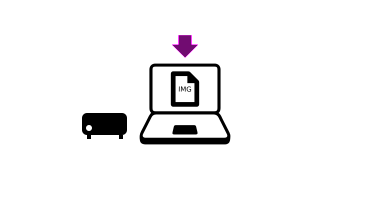
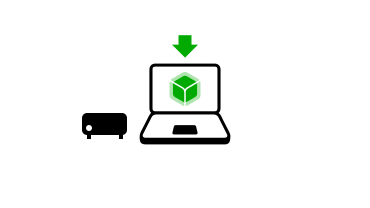
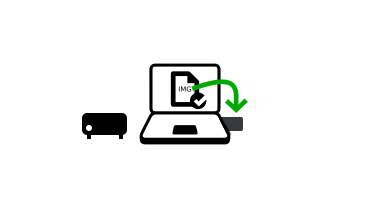
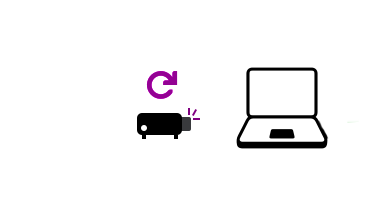
We got you ! Let us guide you through the installation of your chose OS of the Nirvati Family on your system.
Step-by-Step guide 

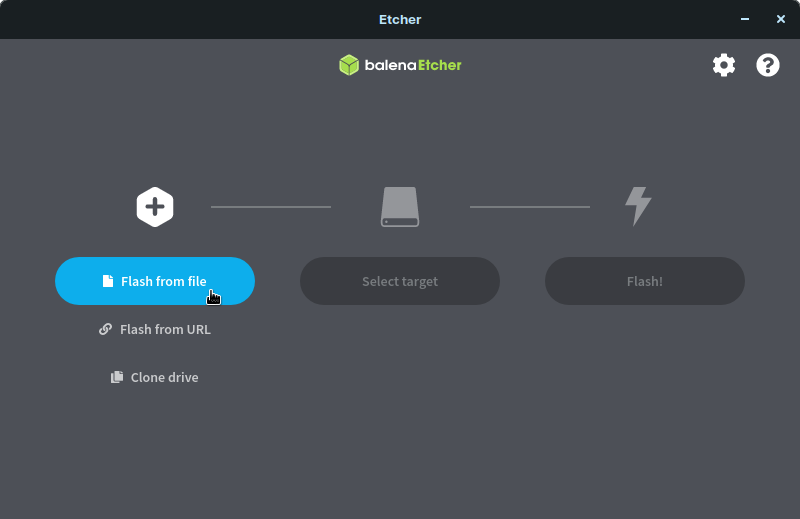
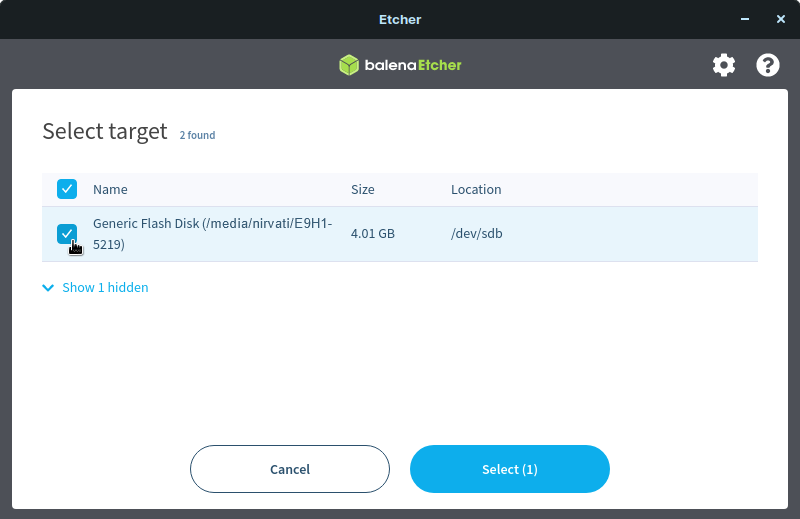
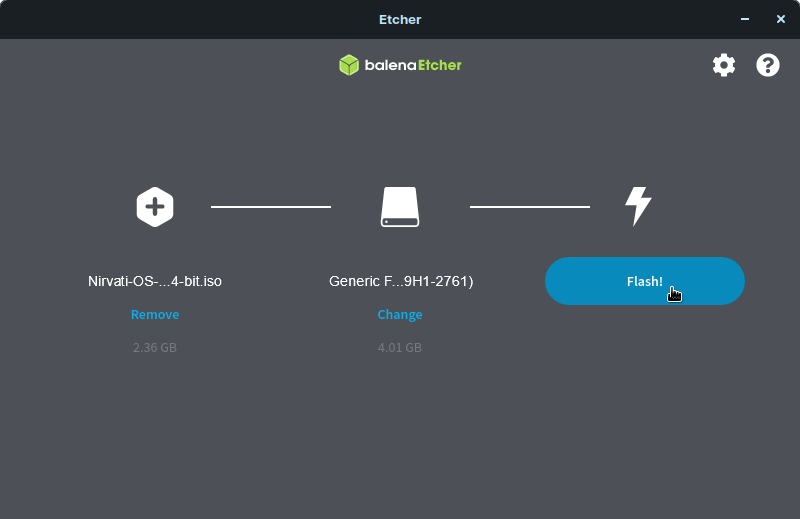
 Welcome to your new home server.
FAQs
FAQs
Terminology
GUI = Graphical user interface – in this case a web browser
CLI = Command line interface – in this case a terminal
How to access your node (GUI)?Aaron Dewes2023-11-18T23:15:22+00:00

- Open any browser
- Type in the address bar
citadel.localor your node’s IP address – for help see Need your node’s IP address? - type your password
I have installed Citadel OS, what now?Aaron Dewes2023-11-18T23:17:07+00:00
- Open the browser from any of your devices
- Type in the address bar
citadel.localor your node IP address – for help see Need your node’s IP address? - type in your password
- enjoy Citadel OS
Need your node’s IP address?Aaron Dewes2023-11-18T23:16:31+00:00
- Install Angry IP Scanner here
- Open Angry IP Scanner and press “Start”
- Identify the IP address of your node looking at “Hostname” and “Ping” (keep in mind that Ethernet has lower ping than Wifi)
Want to SSH into your node? (CLI)Aaron Dewes2023-11-18T23:15:55+00:00
- Open the Terminal on any device you want to use for SSH into your node
- write
ssh [account_name]@citadel - Replacing
[account_name]withcitadelfor Citadel OS v0.2.x, andnirvatifor Citadel OS v0.3.x (Nirvati technical preview). - If this fails, try
ssh [account_name]@citadel.localorssh [account_name]@[ip_address], replacing[ip_address]with the IP address of your node – for help see Need your node’s IP address?
Want to shutdown your node? (GUI)Aaron Dewes2023-11-18T23:14:19+00:00
- Access your node – for help see How to access your node (GUI)?
- go to “Settings”
- press “Shutdown”
Want to restart your node? (GUI)Aaron Dewes2023-11-18T23:13:42+00:00
- Access your node – for help see How to access your node (GUI)?
- go to “Settings”
- press “Restart”
Want to update Citadel (GUI)?Aaron Dewes2023-11-18T23:13:10+00:00
- Access your node – for help see How to access your node (GUI)?
- go to “Settings”
- press “Check for updates”, then “Install Now” if there are any updates
Need logs for troubleshooting (GUI)?Aaron Dewes2023-11-18T23:12:40+00:00
- Access your node – for help see How to access your node (GUI)?
- go to “Settings”
- under “Troubleshooting” press “Start”
Need logs for troubleshooting (CLI)?Aaron Dewes2023-11-18T23:12:11+00:00
- SSH into your node – for help see Want to SSH into your node?
- write
sudo ~/citadel/scripts/debug --upload --no-tor
Want to start Citadel (CLI)?Aaron Dewes2023-11-18T23:11:41+00:00
- SSH into your node – for help see Want to SSH into your node?
- write
sudo ~/citadel/scripts/start
Want to stop Citadel (CLI)?Aaron Dewes2023-11-18T23:10:51+00:00
- SSH into your node – for help see Want to SSH into your node?
- write
sudo ~/citadel/scripts/stop
Want to install an app (CLI)?Aaron Dewes2023-11-18T23:10:57+00:00
- SSH into your node – for help see Want to SSH into your node?
- write
sudo ~/citadel/scripts/app install [app_name]replacing[app_name]with the name of the app you wish to install e.g.fulcrum
Want to do a full reset (BACKUP EVERYTHING FIRST) (CLI)?Aaron Dewes2023-11-18T23:11:04+00:00
- Backup every data that is important on a secure device different from your node.
- SSH into your node – for help see Want to SSH into your node?
- write
sudo ~/citadel/scripts/stop

&& sudo rm -rf ~/citadel/app-data/* && sudo rm -f

~/citadel/statuses/configured ~/citadel/db/user.json

~/citadel/db/citadel-seed/seed && sudo ~/citadel/scripts/start

&& sudo ~/citadel/scripts/start
Need additional help (GUI)?Aaron Dewes2023-11-18T23:06:55+00:00
- Generate logs for Troubleshooting GUI – for help see Need logs for troubleshooting (GUI)?
- Press “Download logs”
- Join the Citadel’s Telegram Group, describe in detail what happened and attach the logs file.
- have patience 🙂 We are a small team, but we are trying our best to get back to you asap!
Need additional help (CLI)?Aaron Dewes2023-11-18T23:05:05+00:00
- Generate logs for Troubleshooting CLI – for help see Need logs for troubleshooting (CLI)?
- Copy the sharable link you get
- Join the Citadel’s Telegram Group, describe in detail what happened and attach the logs file.
- have patience 🙂 We are a small team, but we are trying our best to get back to you asap!
🏗️
🏗️